
Local newspaper
A short note in the events calendar or an article in the local section reaches many people – editors are happy about events from the neighborhood.
In the basement there’s the kids’ bike your child outgrew long ago, the neighbor’s old Dutch bike is rusting away – and at the same time, half the town is looking for a cheap used bike. A bike sale – also called a bike exchange, bike market or bike swap – brings both together: sellers drop off their bikes, a team sells them in one day, and at the end everyone gets their money or their bike back.
Sounds simple – and it is, if it’s well prepared. In this guide we walk through a bike sale from the first idea to the cash count. And we show how BazarPro takes lists, handwritten notes and counting in the evening off your hands.
| Phase | What happens | Who |
|---|---|---|
| 8–12 weeks before | Set venue, date, time slots and commission, create the bazaar in BazarPro | Organizer |
| 4–8 weeks before | Advertise in the newspaper, daycares, schools, social media | Organizer |
| Until the bazaar | Register bikes online, print QR labels | Sellers |
| The evening before | Email with drop-off time and seller number goes out automatically | BazarPro |
| Bazaar day: drop-off | Accept and scan bikes | Organizer and helpers |
| Bazaar day: sale | Buyers scan, the cash desk scans, sellers give discounts or accept price offers | everyone |
| Bazaar day: pickup | Pay out money, return unsold bikes | Organizer and helpers |
| Afterwards | Sort out bikes left behind, cash count | Organizer |
Take care of the venue first – good spaces are often booked months ahead. A schoolyard, a parking lot, club grounds or the market square work well. Look out for:
A bike sale has three phases that you should keep clearly apart:
Between sale and pickup you need some buffer to get an overview. Enter drop-off and pickup in BazarPro in the Hand-in and pickup step and put the times in all your advertising – it saves you many questions on the day. BazarPro then sends your sellers an email the evening before with the drop-off time, location and seller number, and reminds them to pick up after the sale.
When you create the bazaar, you first pick its kind. There are two presets for a bike sale:
The preset sets suitable options and preselects the bike categories. Then you add the key details: title, location, date, a description with the time slots, the allowed categories (e.g. bikes, kids’ bikes, accessories) and your commission – the share of the sale price that stays with you as the organizer. With 15 % commission and a bike for €40, the seller gets €34 and €6 stays with you.
Many bike sales charge an intake fee in addition to or instead of the commission, for example €3 per bike. Enter it in the What does it cost sellers? step. It applies to every accepted bike, even if it doesn’t sell, and is deducted from the payout at settlement. Sellers who sell nothing pay the fee at pickup. BazarPro then shows you how much you get.
Optionally, you can upload a site map and add locations like “Kids’ bikes”, “Women’s bikes” or “E-bikes”. Buyers then see where a bike stands when they scan it.
For categories whose name contains “Fahrrad”, “Räder”, “Rad” or “bike”, such as “Kinderräder” or “E-Bikes”, BazarPro asks for the frame number, frame size, wheel size and brand when a bike is created. Under Required details you make the frame number mandatory – then a bike can’t be registered without it.
To make sure the space is enough, you can limit the items per seller, for example to 5 bikes.
The step-by-step guide is in Create a bazaar.
In the How are items sold? step you decide how items are sold. For a bike sale, price offers, negotiating and questions are especially worthwhile. Discounts are possible too – but then there’s no price on the label:
| Feature | What it does |
|---|---|
| Discount items | Sellers lower their price during the bazaar. You decide from what time, e.g. only from 12:00, and how high the discount may be at most (up to 50 %). |
| Online price offers | Logged-in buyers suggest a price by phone once a bike has been accepted and the bazaar is running. If the seller accepts, that price applies at the cash desk. |
| Negotiating on site (minimum price) | Sellers set a minimum price that buyers don’t see. At the cash desk you may negotiate down to that price. |
| Questions to the seller | Buyers ask publicly even before the bazaar, e.g. “Is the light included?”. Everyone sees the answer. With Only during the bazaar, this is only possible once the sale starts. |
Payment always happens on site at the cash desk.
Some bike markets have to show – for example at the request of the police – who offered which bike. That’s what the Bike market with record preset is for:
More in The bazaar day.
Put the most important rules in the bazaar description so there are no discussions on the day:
A bike sale depends on enough sellers and buyers coming. Start four to eight weeks ahead and spread the word widely:
Local newspaper
A short note in the events calendar or an article in the local section reaches many people – editors are happy about events from the neighborhood.
Daycares and schools
Kids outgrow their bikes every year. A notice or a parents’ email is the best advertising for kids’ bikes.
Social media
Share the link to the bazaar in local Facebook groups, on Instagram, in neighborhood apps and WhatsApp groups.
Flyers and posters
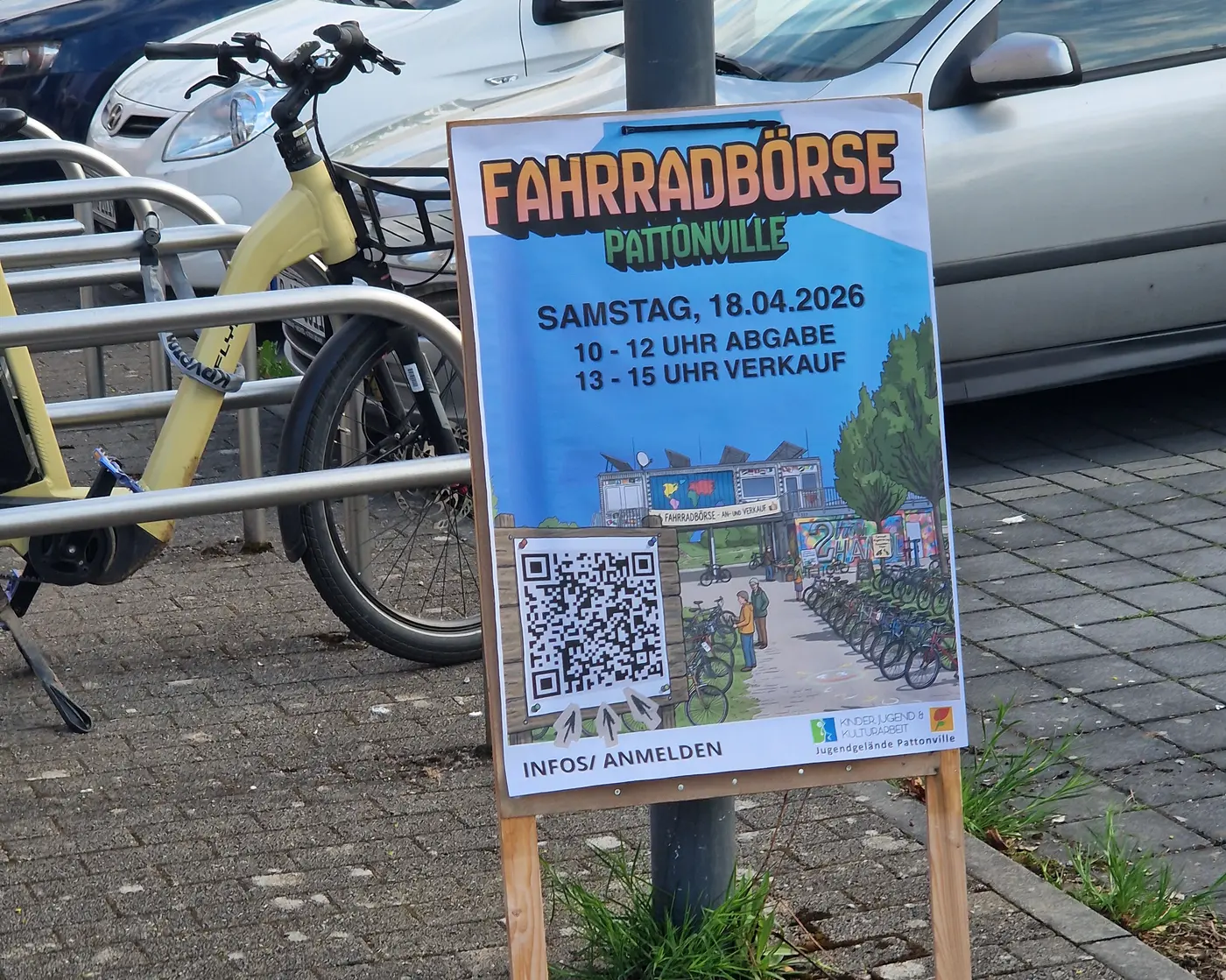
Notices at the supermarket, the bakery, the library and the bike shop – with a QR code that leads straight to the bazaar.
The link to your bazaar in BazarPro is the central hub: sellers register through it, and buyers see in advance which bikes are offered.
A food and drinks stand turns the sale into a small party. Buyers stay longer, get talking and are more likely to buy. For clubs, daycares or school classes, selling coffee, cake and sausages is also a welcome income.
Sellers register for the bazaar through the link and create their bikes from home – with photo, description and price. For each bike, BazarPro creates a QR label as a PDF. The label is printed and attached to the bike, ideally to the handlebar.
The label shows the QR code, title and seller number. Whether the price is on it too is up to you: with Print the price on the label, buyers see it without a phone – but only if you don’t allow discounts. With discounts, the price is left off so that sellers can still lower it without printing a new label.
To make the listing convincing, sellers should:
The guide for sellers: List an item.
If something changes at short notice, such as the entrance or the drop-off time, write to all sellers with Message to sellers – by email and on their bazaar page.
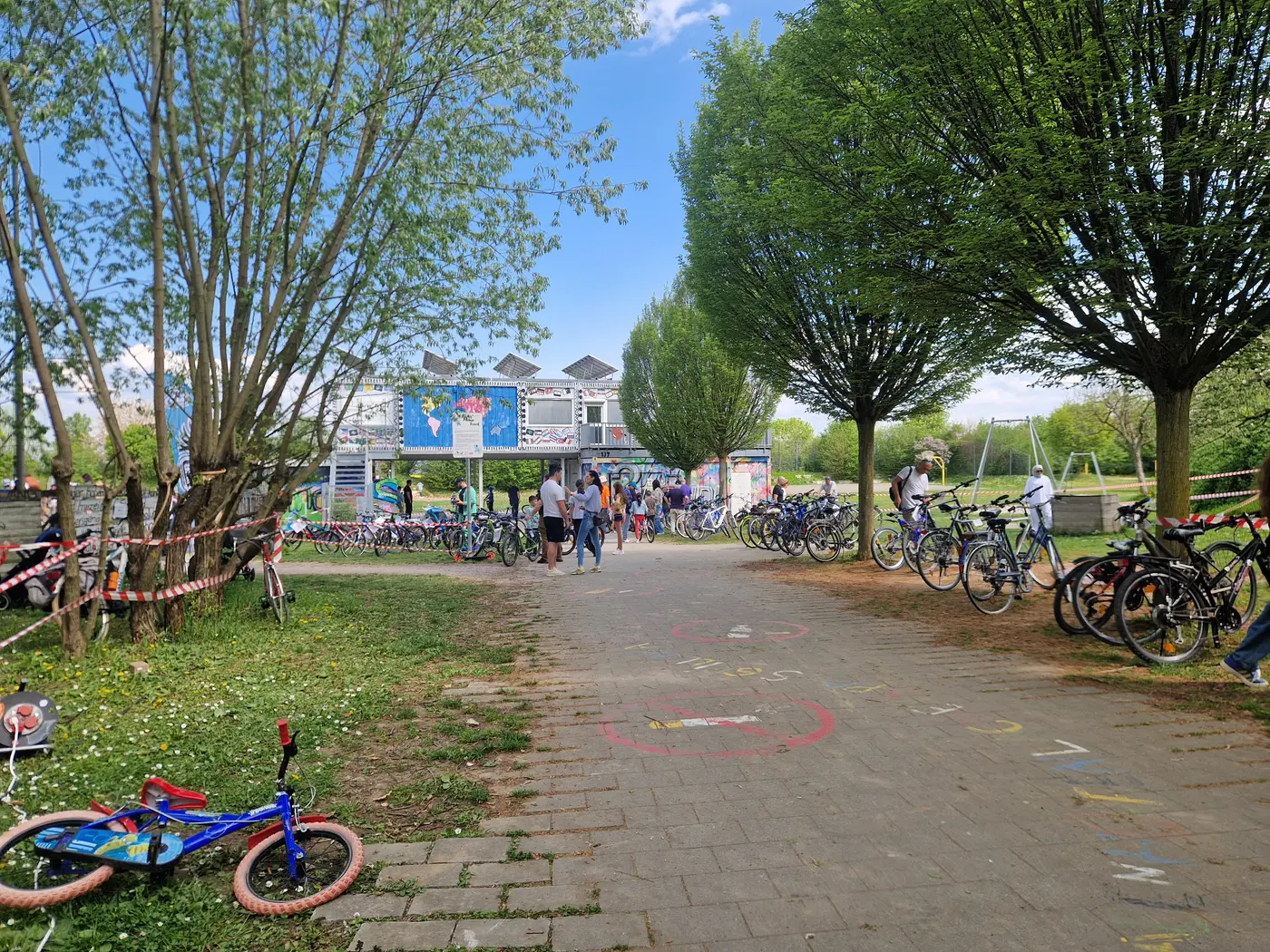
You can hardly run a bike sale alone. In BazarPro you make sellers of your bazaar helpers with one click. Helpers can:
Helpers can’t change the basic settings or delete the bazaar – that stays with the organizer. Plan at least one person per station, two at the cash desk at peak times.
Take the bike and scan its label. In Item management, open Scan QR code and scan the label. The bike is marked as Available and is now for sale. It is locked for the seller – they can no longer edit it.
Location and note (optional). If you created locations, assign the bike to an area right away, e.g. “Kids’ bikes”. In the same step you can add an internal note, such as “Key on hook 12”. Only you and your helpers see the note.
No label? No problem: every seller has a digital ID with a QR code on their phone in BazarPro. Scan the ID – BazarPro shows all items of that seller. Simply print the missing label at the intake printer.
Not everyone registers beforehand – some just turn up at intake with their bike. For them, you create an entry in the seller management with Add seller without account, with name and phone number and optionally an email address. In Item management, Add item records the bike for this seller; you print the label and accept the bike like any other. If the seller gave an email address, they get a message like everyone else as soon as their bike sells.
From the start of the sale, the site is open to buyers.
After the sale, the sellers come back – BazarPro has reminded them of the pickup by email, with the payout amount and a list of their unsold bikes. They show their digital ID, you scan it and see at a glance what sold and which bikes are still there.
Return unsold bikes. BazarPro lists the bikes still on site. The seller takes them along.
Pay out. BazarPro has already calculated the sales minus your commission and any intake fee. You pay out the amount. If the sales don’t cover the intake fee, you collect the difference instead.
Finish the settlement. One click confirms both. The seller is then settled: sales and returns can no longer be changed.
Not everyone comes to pickup on time. In Item management you see which bikes are still Available, i.e. neither sold nor picked up. With Message to sellers and the choice Only sellers with items still to pick up, you reach everyone concerned at once. You find each seller’s phone number in the seller management – give them a quick call to clarify whether the bike will still be collected or what should happen to it. The conditions you set beforehand help here, such as donating bikes not picked up after a deadline.
Once all bikes are sorted out, set the rest to Returned with one click.
Finally, open the Cash count. There you see the day’s sales, your commission and the intake fees as income, what was paid out to sellers and which payouts are still open – and you can compare it with the cash in the till. No counting slips, no calculator.
Planning
Material for the bazaar day
After the bazaar
BazarPro is free – for organizers, sellers and buyers. There’s no commission for BazarPro, no subscription and no limit on bikes or sellers. And because BazarPro is open source, you can also run it on your club’s server if you like.
Create a bazaar
Sign up for free and create your bike sale in ten minutes.
Self-hosting
Run BazarPro with Docker on your own server: read the guide.